
Double Booked on Airbnb and Booking.com in India? What to Do in the First Hour, and How to Stop It for Good
By Shashank Udyawar, India Operator Specialist, SympleHost
Running a short-term rental like a business · November 16, 2026 · 9 min read
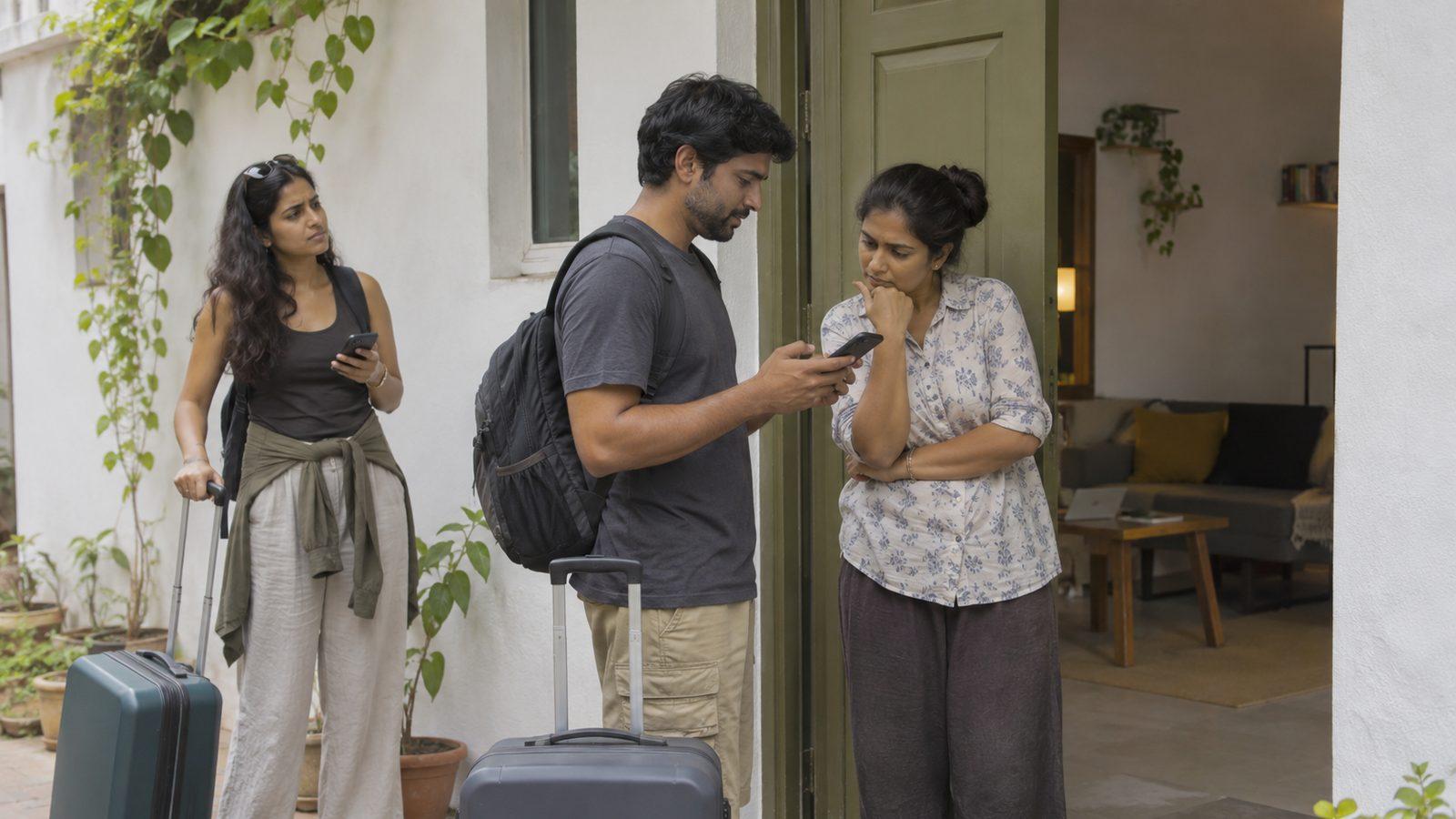
It's 2:40pm on 21 December. A Manali cottage you sell for ₹9,500 a night has just been booked on Booking.com for the New Year weekend. Thirty minutes earlier, the same three nights sold on Airbnb. Your calendar link hadn't refreshed yet, because Airbnb only re-reads imported calendars about every three hours. Two families from Delhi now expect the same keys. If you cancel the Airbnb guest, Airbnb charges you 25% of a ₹30,500 reservation (₹7,625), keeps your payout, and can block those dates. If you cancel the Booking.com guest, Booking.com's customer service steps in to relocate them in the hills' busiest week of the year. Here's how to handle the next hour, and how to make sure it doesn't happen again.
The short version
- Don't cancel anything in the first ten minutes. Close the dates on every channel first, then confirm both bookings are real. A "double booking" is sometimes a phantom block from an old calendar link.
- Cancelling on Airbnb has a published price. It's 10% of the reservation more than 30 days out, 25% from 30 days to 48 hours out, and 50% inside 48 hours, with a minimum Airbnb sets at US$50. You also lose the payout, and Airbnb can block the dates.
- Booking.com and MakeMyTrip publish no fee, but neither is free. Booking.com relocates the guest, and hosts report being billed for the difference. MakeMyTrip's penalties sit in your contract. Expect a ranking hit on whichever channel you cancel.
- The cheapest fix is a room you already own. If you run more than one cottage, villa or room, offer the guest an equal or better one before you cancel anyone.
- Four causes explain almost every overbooking: calendar links that refresh too slowly, an old calendar link left running next to an API connection, dates blocked in an OTA's own dashboard, and units mapped wrongly.
- API sync closes a date on every channel within seconds. That's what fixes the problem. Calendar links only move blocked dates, on the booking site's schedule, and MakeMyTrip doesn't offer them at all.
The first hour: six steps, in order
1. Close the dates everywhere. Before anything else, block the affected nights on every channel that's still selling them. A third booking turns a bad afternoon into a terrible one.
2. Confirm both bookings are real. Open each booking site's own dashboard and find both reservations, with guest names and amounts paid. If one side only shows a blocked date with no guest, it's a phantom block from a calendar link, not a second booking. Fix the link and you're done.
3. Look for a room you already own. If you run more than one cottage, villa or room nearby, check whether an equal or better one is free for the same nights. Moving one guest into it keeps both bookings, both payouts and both reviews. This is the outcome to aim for.
4. Decide which booking to keep. If you can't move anyone, compare what each cancellation costs you. The next section shows how.
5. Call the guest you're moving before the platform does. Explain what happened, apologise, and offer something concrete: an upgraded unit, a partner property nearby, or a full refund plus help finding somewhere else. A guest who hears it from you first is far less likely to leave an angry review or escalate.
6. Cancel through the platform's own process. Don't ask the guest to cancel for you to avoid the penalty. Airbnb treats that as a host cancellation, and you risk both the penalty and your account standing.
Which booking to cancel: what each side costs
| Cancel on Airbnb | Cancel on Booking.com | Cancel on MakeMyTrip | |
|---|---|---|---|
| Published fee | 10% of the reservation more than 30 days before check-in. 25% from 30 days to 48 hours before. 50% of the unused nights inside 48 hours or after check-in. Minimum US$50. | None published. | None published; check your MakeMyTrip contract. |
| What it's charged on | Nightly rate plus cleaning and pet fees. Taxes (GST) and guest fees are excluded. | Not applicable. | Set by your contract. |
| Payout | You lose the payout for that booking. | You lose the booking revenue. | You lose the booking revenue. |
| What else happens | Airbnb can block the cancelled dates on your calendar, and repeated cancellations affect your listing and Superhost status. | Customer service contacts you and the guest to arrange an alternative room or a relocation. Hosts report being billed for the price difference. | The guest is refunded, and you deal with their complaint. |
| Ranking | Cancellations count against you. | Cancellations count against you. | Cancellations count against you. |
Airbnb's fee schedule is in its host cancellation policy. Booking.com describes the relocation process in its connectivity documentation on overbookings. Your Booking.com partner agreement and your MakeMyTrip contract set out what you can be charged.
Worked example. Three nights at ₹9,500 plus a ₹2,000 cleaning fee is a ₹30,500 Airbnb reservation. Cancelling it ten days before check-in costs a 25% fee, so ₹7,625, plus the ₹30,500 payout and possibly the dates. If a comparable cottage nearby costs ₹14,000 a night over New Year, relocating the Booking.com guest instead could cost you up to ₹13,500 in price differences, plus the lost booking. In a quiet week the Booking.com side is often cheaper to cancel. Over Diwali, Christmas or New Year, it can easily be the other way round. Do the sum each time.
Why it happened: the four usual causes
1. Calendar links refresh too slowly
Most hosts start by copying calendar links (iCal) between Airbnb and other booking sites. Airbnb's help centre says imported calendars update about every three hours. Hosts report other sites taking longer. Any two bookings that land inside one refresh window can collide. On a quiet Tuesday that rarely matters. On a long weekend, or between Christmas and New Year, when several families are searching the same dates at once, it's how most double bookings happen.
MakeMyTrip and Goibibo don't document calendar links at all. If you sell there without a channel manager, you're copying dates across by hand, which is slower still. Our India channel manager guide covers how the MakeMyTrip connection works.
2. An old calendar link is still running
You connect Airbnb through a channel manager's API but forget to delete the calendar link you used before. Now two sync methods write to the same calendar. One of them is three hours behind, so it reopens dates the other has just closed. Delete every old calendar link as soon as the API connection is live.
3. Dates blocked in an OTA's own dashboard
Once a channel manager is connected, it is the source of truth. If someone blocks a date, changes a price or extends a stay directly in the Airbnb or Booking.com dashboard, the channel manager may not know about it. The other channels keep selling. Make one rule for everyone on your team: changes happen in the channel manager, never in an OTA dashboard.
4. Units mapped wrongly
This one hits homestays, guesthouses, serviced apartments and anyone with several identical rooms. If three identical rooms are listed as one property with one unit, a single booking closes the whole property, and you lose sales. If they're mapped as three units on one channel but as one listing on another, the counts drift apart and the same room sells twice. Map each set of identical rooms as one room type with the right number of units, and check that every channel uses the same count.
How to stop it happening again
- Use API connections for every channel that offers them. Airbnb, Booking.com, MakeMyTrip (which also covers Goibibo), Agoda and Expedia all support API connections through approved channel managers. API sync moves availability, prices and reservations both ways, within seconds.
- Delete old calendar links the day the API connection goes live.
- Keep one calendar. Every block, price change and owner stay goes into the channel manager, never into a booking site's dashboard.
- Check the unit counts on each room type, on every channel, after setup and after any listing change.
- Test it. Make a test booking for a quiet night, check it closes the date everywhere, then cancel it.
- Keep calendar links only for the few sites that offer nothing else, and don't leave the last night or two before a peak date open on them.
Where SympleHost fits
SympleHost is a property management system with the channel manager built in. Airbnb, Booking.com, MakeMyTrip, Agoda, Expedia, Trip.com and Vrbo connect by API through Channex, an approved connectivity partner. Traveloka and Tiket.com are available on request. Other sites can still connect by calendar link.
When a booking from an API-connected site lands on a night that's already sold out, SympleHost flags it straight away as an overbooking. You get an email and an in-app alert with the listing and the affected dates, and a link to the calendar so you can fix it while there's still time to call the guest.
Pricing is published in rupees: ₹599 per listing a month, plus ₹199 a month per unit for room types with two or more units, plus GST. There's no setup fee and no commission on your bookings. Start a 14-day free trial, or book a call if you'd like us to check your current setup for these four causes.
Frequently asked questions
How do I fix a double booking on Airbnb and Booking.com? Close the dates on every channel, including MakeMyTrip, confirm both bookings are real in each site's own dashboard, then try to move one guest into an equal or better unit you control. If you can't, compare the cost of each cancellation and call the guest you're moving before you cancel through the platform.
Which booking should I cancel, Airbnb or Booking.com? Compare the two costs. Airbnb publishes a host cancellation fee of 10%, 25% or 50% of the reservation, depending on how close check-in is, with a US$50 minimum, and you also lose the payout. Booking.com doesn't publish a fee, but it arranges a relocation for the guest, and hosts report being billed for the difference. Over Diwali, Christmas and New Year, relocation can cost more than the Airbnb fee.
Why does iCal cause double bookings? Calendar links only refresh on the booking site's schedule. Airbnb updates imported calendars about every three hours. Any two bookings made inside that window can both succeed. API connections update every channel within seconds.
Can I sync MakeMyTrip with Airbnb using a calendar link? No. MakeMyTrip and Goibibo connect through approved channel managers, not calendar links. Without one, you copy dates across by hand, which is where most MakeMyTrip double bookings come from.
Can a channel manager still double book? Yes, if an old calendar link is still running alongside the API connection, if someone blocks dates in an OTA's own dashboard, or if units are mapped differently across channels. Fix those three things and API sync prevents nearly all overbookings.
Does Airbnb charge a fee if the guest cancels instead of me? If the guest cancels of their own accord, their cancellation policy applies. Asking a guest to cancel because you double booked, so that you avoid the penalty, breaks Airbnb's rules for hosts. Cancel it yourself and take the fee.
Related Reads
AI Co-Host Anda tak pernah tidur. Jadi Anda bisa.
Coba SympleHost selama 14 hari — email bisnis dan kartu diperlukan, tanpa biaya setup, bisa dibatalkan kapan saja. Atau biarkan kami membantu menyiapkannya lewat panggilan.